POS
Customers
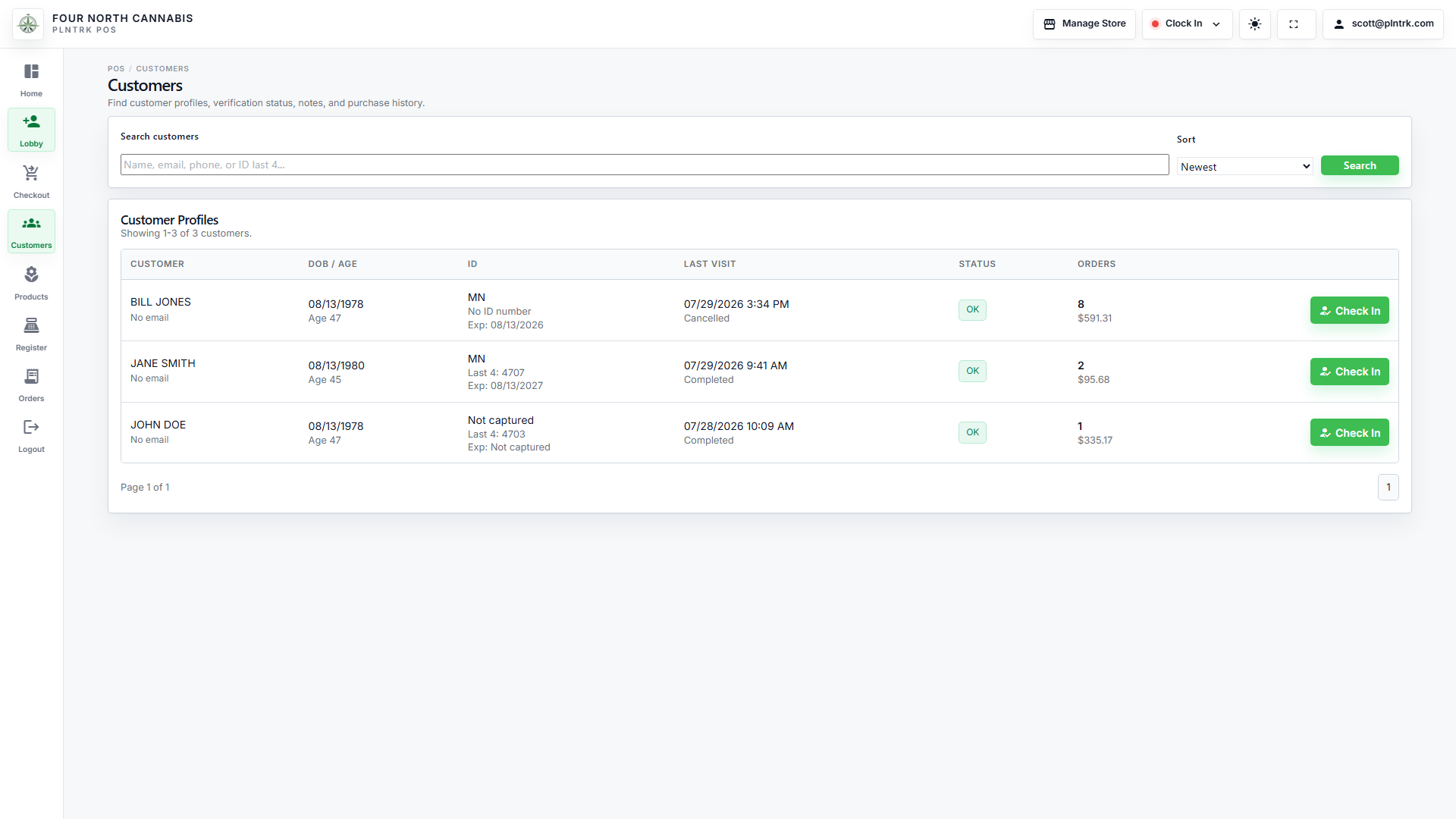
Search customer records, open customer details, begin check-in, and review customer information from POS.
4 steps
4 screenshots
/fournorthcannabis/pos/customers
Workflow
How to use this page
-
1
Search customer records, open customer details, begin check-in, and review customer information from POS.
-
2
Use the form fields to enter or update information, then save your changes.
-
3
Review the rows to compare records, then use the available actions to open, edit, or manage an item.
-
4
Common actions on this page include: Search, how_to_reg Check In, how_to_reg Check In, how_to_reg Check In.
Screenshots
Managed visual references
Screenshots are shown as compact previews. Use Open full size when you need the original image.
desktop 1 image
POS Customers - desktop
light theme · 1920 x 1080
Open full size
tablet portrait 1 image
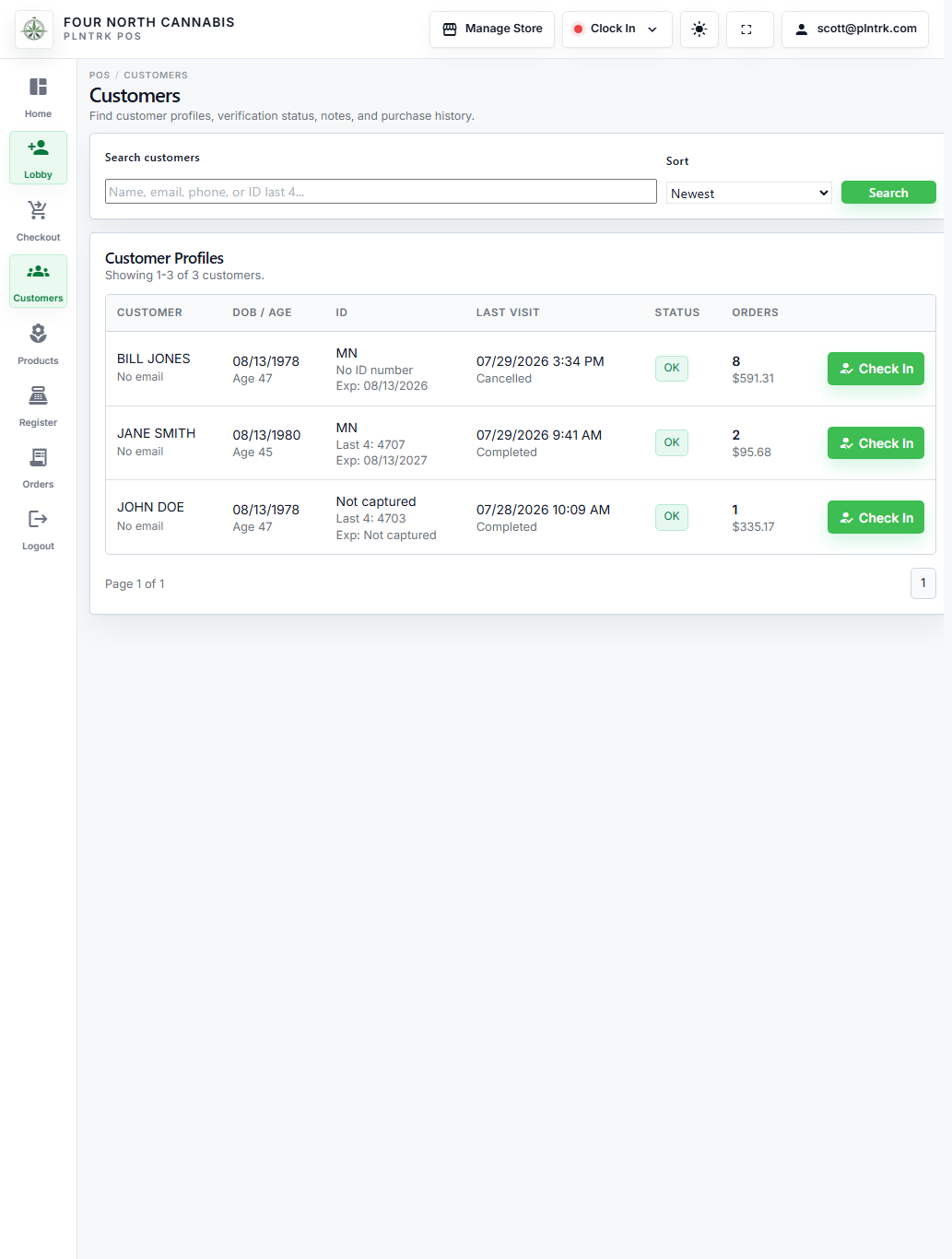
POS Customers - tablet-portrait
light theme · 1024 x 1366
Open full size
tablet landscape 1 image
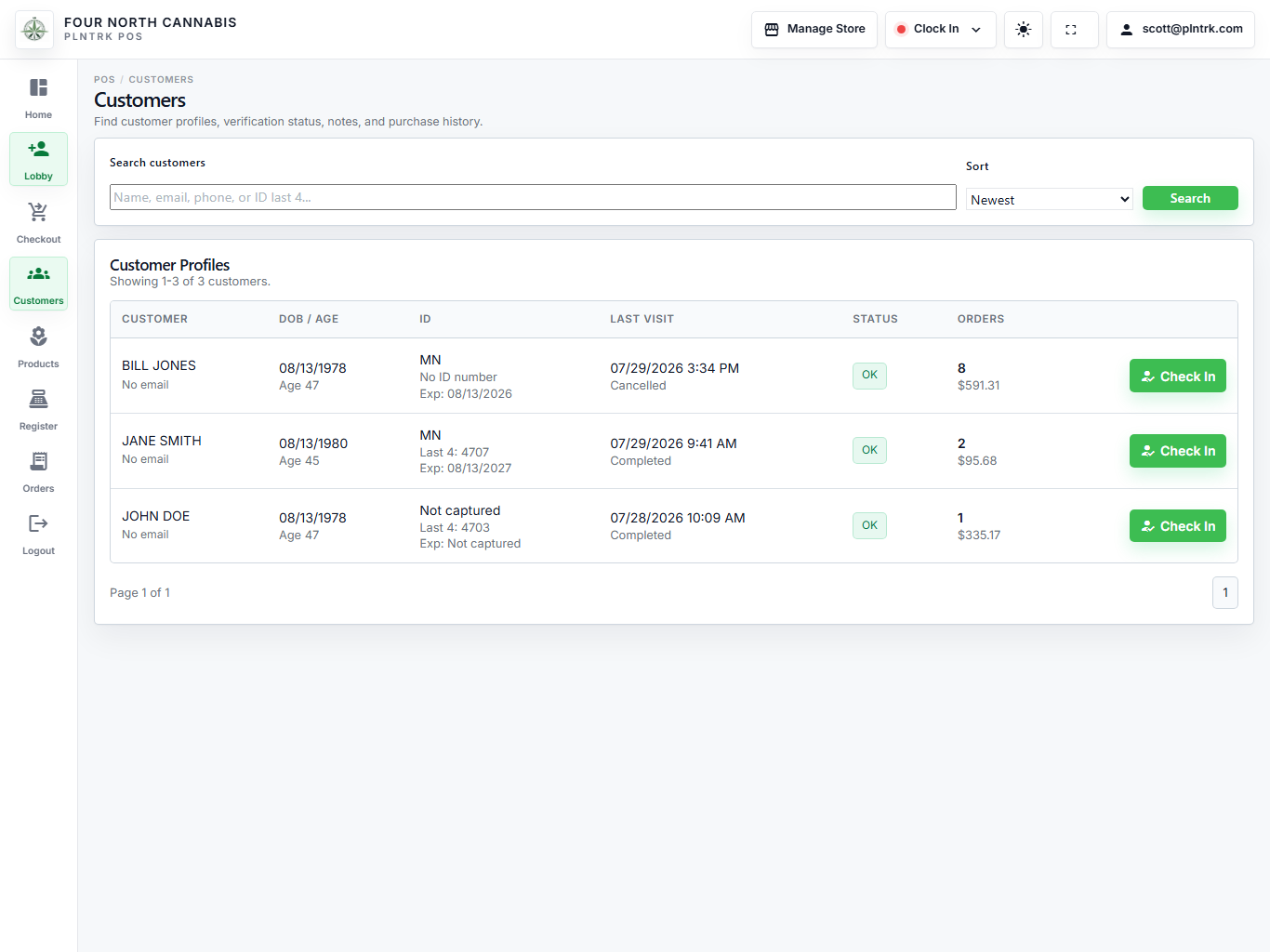
POS Customers - tablet-landscape
light theme · 1366 x 1024
Open full size
mobile 1 image
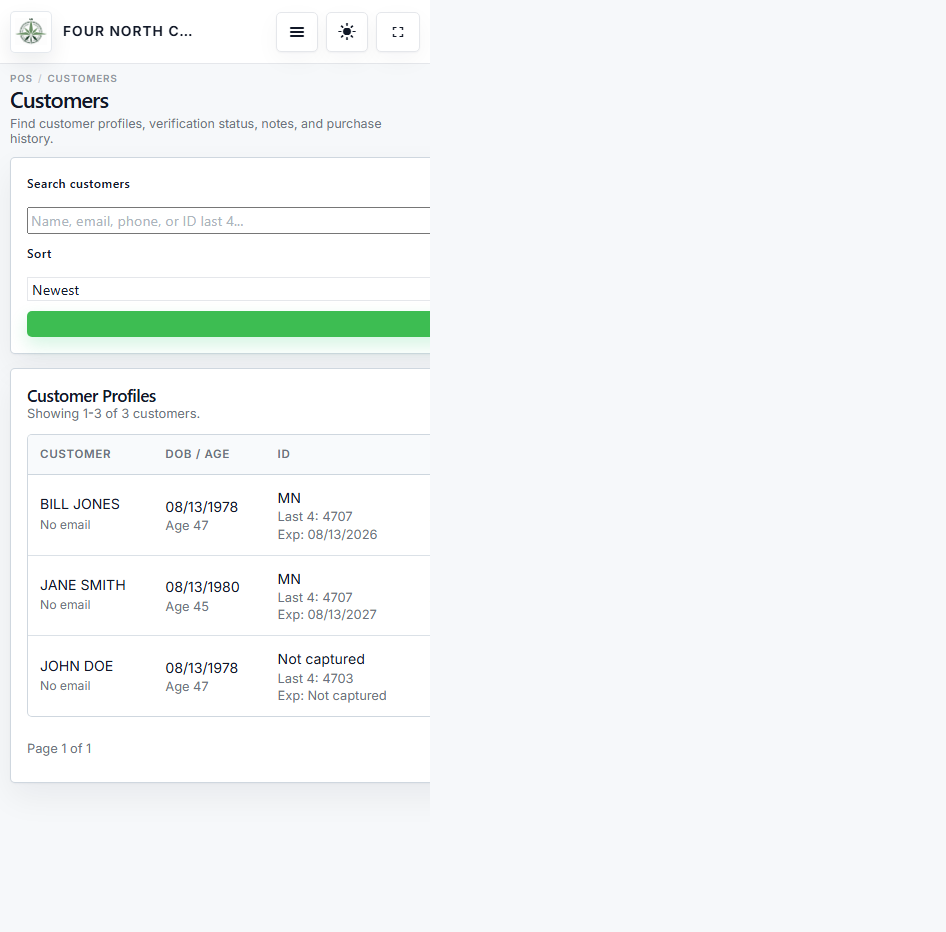
POS Customers - mobile
light theme · 430 x 932
Open full size