Manage Store
Add New Product
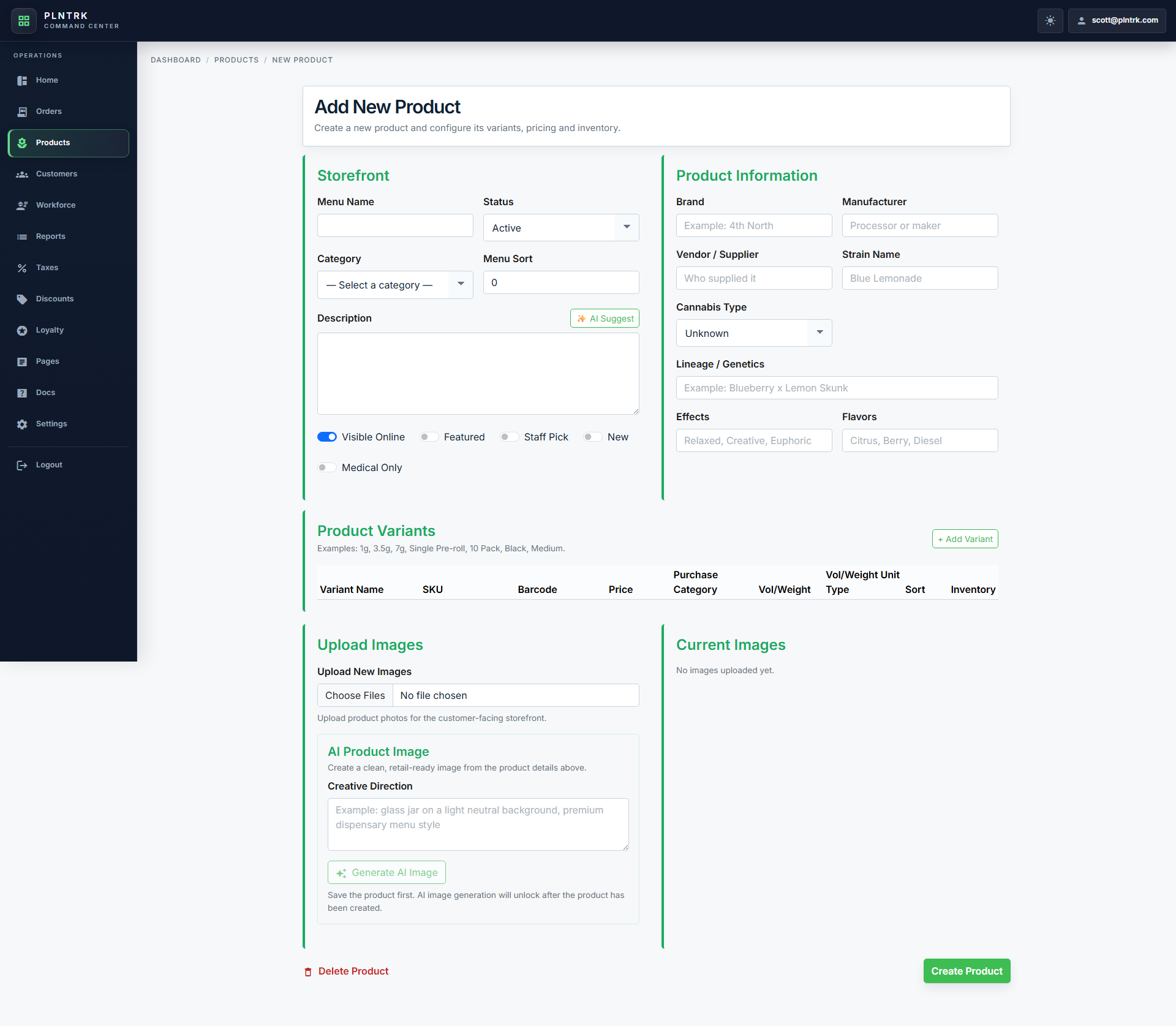
Detail screen opened from Products.
4 steps
1 screenshot
/fournorthcannabis/managestore/editproduct
Workflow
How to use this page
-
1
To quickly locate this product in the POS, place the cursor in the Product Search field and scan this barcode with a barcode scanner. The scanner will enter the product's SKU automatically.
-
2
Use the form fields to enter or update information, then save your changes.
-
3
Review the rows to compare records, then use the available actions to open, edit, or manage an item.
-
4
Common actions on this page include: ✨ AI Suggest, + Add Variant, auto_awesome Generate AI Image, Create Product, Cancel.
Screenshots
Managed visual references
Screenshots are shown as compact previews. Use Open full size when you need the original image.
desktop 1 image
Products First Detail - desktop
light theme · 1920 x 1080
Open full size